
How Much Webflow Actually Costs (spoiler: almost never what's on the homepage)
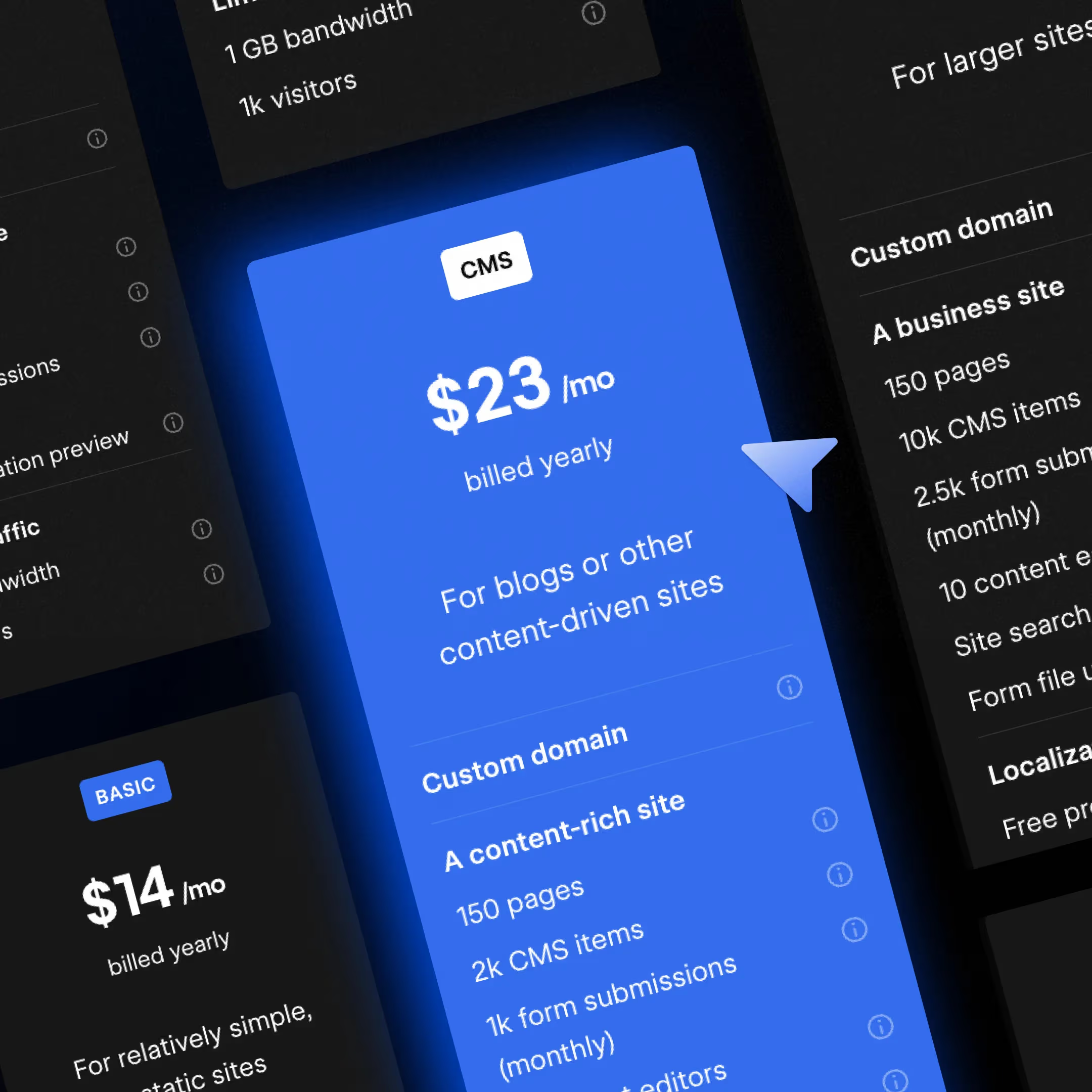
Webflow pricing consists of three layers: the Site plan, which pays for the published site, the Workspace plan and seats, which pay for the people working in the tool, and a pile of add-ons that stack on top of all that.
The number you see on webflow.com/pricing is almost never what your team will actually pay. At Xenum we work daily with marketing teams on Webflow Enterprise plans, and the question we hear most often is: "How much does Webflow actually cost for a team like mine, once everything is added up?"
This article is the answer. Every figure has been checked against the official pricing page, and we've added the math around seats, the add-on stack, and concrete examples for the client profiles we see most often.
How Webflow Pricing Is Structured
There are four moving parts, and most confusion arises from looking at just one in isolation:
| Layer | Who it's for | Starting price | Note |
|---|---|---|---|
| Site plan | Anyone publishing a single site | Free – $25/mo – custom | Charged per published site |
| Workspace + seats | Teams collaborating in Webflow | Free – ~$19/mo + seat fee | Full seat $39, Limited $15, Free $0 |
| Platform plans | Organizations needing an all-in-one tier | $2,500/mo (annual) – custom | Bundles site + seats + Localization + advanced features |
| Add-ons | Sites needing testing, analytics, or i18n | $9/mo – $299/mo | Stack on top of the Site plan, usage-based |
Site Plans: Where Most Decisions Are Made
The most common setup we see for B2B marketing sites is the Premium plan at $25/mo (billed annually), with a bandwidth add-on as the site grows. Basic covers smaller sites without CMS needs, while Enterprise lives in its own world.
| Plan | Price (annual) | Price (monthly) | Pages | CMS | Bandwidth | Best for |
|---|---|---|---|---|---|---|
| Starter | Free | Free | 2 | Limited | 1 GB | Prototyping, learning the platform |
| Basic | $15/mo | $25/mo | 300 | None | 10 GB | Landing pages, portfolios, MVPs |
| Premium | $25/mo | $39/mo | 300 | 20,000 items / 40 collections | 50 GB (up to 2.5 TB add-on) | Content-heavy marketing sites |
| Enterprise | Custom | Custom | Custom | Custom | Custom | High traffic, regulated or multi-brand organizations |
Our advice to clients: if you plan to publish more than 5 blog posts in the next year, skip Basic and go straight to Premium.
What You Actually Get on Premium
- Custom domain
- 300 static pages
- 20,000 CMS items and 40 collections (no need for a CMS add-on)
- 50 GB of included bandwidth, scalable up to 2.5 TB with add-ons
- Code components, site search, file upload in forms
- Webflow AI and MCP server access
- A free Starter Workspace included
When You Need the Enterprise Site Plan
Enterprise has no public price — you get an entirely different product category: enterprise-ready scale, advanced collaboration controls, a guaranteed SLA, enterprise security, and dedicated support.
Working with Enterprise clients from finance, fintech, recruiting, and SaaS, the pattern is consistent. Enterprise makes sense when at least one of the following is true:
- Traffic exceeds what Premium + bandwidth add-ons can handle
- You need SSO, advanced permissions, or a custom security review
- You run multiple brands, regions, or staging environments
- You need a guaranteed SLA for site availability
- You need granular control and advanced governance
Team Plan: A Step Instead of a Cliff
The jump from self-serve to Enterprise used to be a cliff. The Team plan is the step in between.
Team costs $2,500/mo on an annual contract and is the right choice for organizations that have outgrown Premium + Workspace seats but aren't yet ready for a full Enterprise engagement.
What You Get:
- A site with 100 CMS collections (more than double Premium's 40)
- 10 included seats
- Localization built in, with no separate add-on
- AEO agents for visibility in AI search (not available on self-serve plans)
- Page branching, single-page publishing
- Publishing workflow with review and approval steps
- Site activity log, custom SSL certificates
- API rate limits 5x higher than self-serve plans
Team generally makes sense above 6–8 active marketers on a team — the point where the math of stacking Premium + seats + Localization + workflow workarounds stops paying off.
Team vs. Enterprise — Where the Line Is
| Team | Enterprise | |
|---|---|---|
| AEO agents, publishing workflows, page branching | ✅ | ✅ |
| Custom SSL and security headers | ✅ | ✅ |
| Priority support | ✅ | ✅ |
| Granular permissions and advanced governance | ❌ | ✅ |
| Dedicated Webflow team and CSM | ❌ | ✅ |
| Enhanced SLA | ❌ | ✅ |
| Custom configurations | ❌ | ✅ |
Signal that you need Enterprise, not Team: you're negotiating SSO, security review, a multi-brand/multi-region architecture, or a dedicated CSM relationship. For everything else, Team usually covers your needs.
Workspace Plans and Seat Math
The Workspace is the team-level container — this is where sites and the people who actually work in Webflow live. The biggest surprise on the invoice almost always comes from seats, not the plan itself.
Three Seat Types
| Seat | Price (annual) | Access | Who it's for |
|---|---|---|---|
| Full Seat | $39/mo | Full Designer + admin permissions | Designers, developers, ops leads |
| Limited Seat | $15/mo | Marketer / Content Editor role | Marketers, content writers |
| Free Seat (Reviewer) | $0 | Comment-only access | Stakeholders, legal, leadership (up to 100 per workspace) |
Real Example: 5-Person Marketing Team
Growth Workspace, 1 site on Premium, 2 Full Seats, and 3 Limited Seats:
- Premium Site plan: $25
- Growth Workspace: $49
- Full Seats (2, 1 included): $39
- Limited Seats (3): $45
Realistic monthly total: ~$158 — before any add-ons
That's significantly different from the $25 readers initially expect, and it's exactly why teams of this size start considering the Team plan.
Add-ons: Easy to Underestimate When Planning
| Add-on | Starting price | What it does |
|---|---|---|
| Optimize | from $299/mo (scales with page views) | A/B and multivariate testing, AI personalization |
| Analyze | from $9/mo (scales with sessions) | Native analytics, a lighter version of GA4 within the Webflow dashboard |
| Localize | $9 / $29 per site / custom | Multi-language site management (included in Team) |
| AEO agents | Bundled in Team and Enterprise | AI search optimization — visibility in ChatGPT, Perplexity, Google AI Overviews |
Rule of thumb for Optimize: add it once the monthly conversion-driven revenue from your top 5 pages is at least 10x the cost of the add-on. Below that line, testing volume is too thin for the math to pay off.
Which Plan Is Right for You — Quick Guide
| Buyer profile | Recommendation | Realistic monthly cost |
|---|---|---|
| Solo marketer at a startup | Basic or Premium + Core Workspace | $34 – $44 |
| Marketing team, B2B scaleup | Premium + Growth Workspace + Analyze | ~$160 – $260 |
| Team outgrowing self-serve | Team plan (10 seats, 100 collections) | $2,500 – $2,800 |
| Ecommerce founder | Premium + Plus Ecommerce (after ~$3,700/mo revenue) | ~$140 + Workspace |
| Enterprise marketing org | Enterprise Site + Enterprise Workspace | Custom, usually multiple times the Team plan |
Signal that you've reached Enterprise level: SSO, advanced governance, multi-brand, custom integrations, dedicated CSM.
Why Webflow Is Worth It
Webflow isn't the cheapest CMS on the market, and it doesn't try to be. Three reasons marketing teams choose it anyway:
- Clean code and performance by default — Webflow generates clean, semantic HTML, and we've seen clients cut their Time to First Byte in half just by migrating.
- AEO and SEO built into the platform — AEO agents (in Team and Enterprise) plus native handling of metadata, schema, and clean URLs shift the conversation from "what infrastructure do we need" to "what content do we need."
- Publishing without a dev ticket — marketing teams publish through the Editor and CMS workflow without waiting on a developer, which is why partner case studies consistently show around a 67% drop in dev tickets after migration.
Prices change from time to time — we update this article every time Webflow changes its pricing. The official page always takes precedence. We recommend reviewing your plan once a quarter so you're not paying for capacity you're not using. Webflow updated its plans in 2026, and existing users on legacy pricing will see changes at their next renewal.